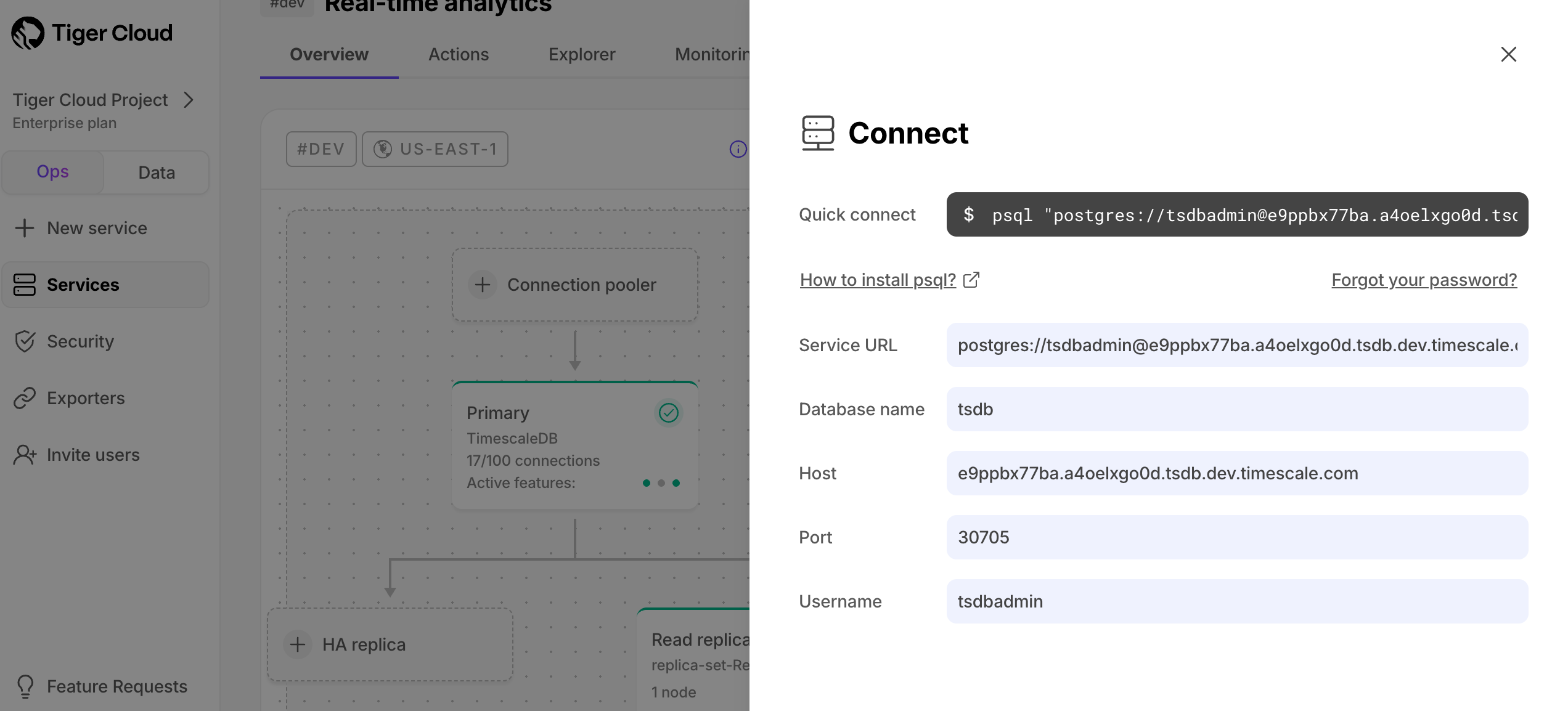
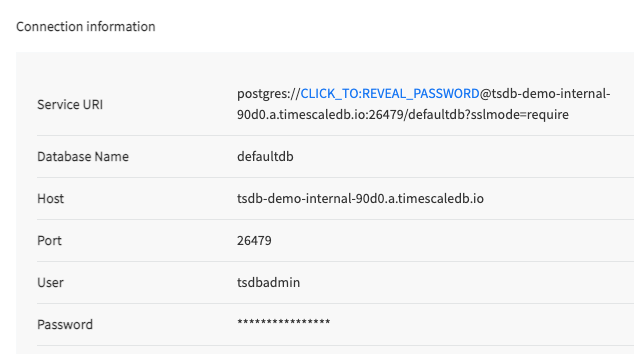
- Hostname
- Port
- Username
- Password
- Database name
- Tiger Cloud
- Self-hosted TimescaleDB
- Managed Service for TimescaleDB
Connect to your service
Retrieve the connection details for your :-
In
<service name>-credentials.txt: All connection details are supplied in the configuration file you download when you create a new . -
In :
Open the
Servicespage and select your . The connection details, except the password, are available inService info>Connection info>More details. If necessary, clickForgot your password?to get a new one.